How it works
From your task to your PR
Connect a repo, hand off a task, review the PR. The agent runs the loop in between — here it is, step by step.
▸ You
- 01
Connect a repo
Sign in with GitHub, then install the FlareCode app on the specific repo you want the agent to work on — per repo, never across your whole org.
It gets only the four permissions it needs to open a Pull Request: read your code, write to a branch, read the default branch, and read CI status. Nothing org-wide, no admin access.
Revoke access any time from your GitHub settings; we delete the install record on our side within 60 seconds.
- 02
Hand off the task
Open the agent for that repo and describe the task in plain English — as specific as a bug report you'd file yourself.
Nothing is bound to that browser tab. Close the laptop and walk away; the agent keeps working on the server while you do something else.
▸ The agent
while you're away
↳ hand off
- step 1
Plan
Reads your code and breaks the task into steps.
- step 2
Code
Edits files in an isolated, encrypted sandbox.
- step 3
Test
Runs your tests and fixes what fails — no infinite loops.
- step 4
Open PR
Pushes a branch and opens a Pull Request for you.
↳ opens a Pull Request
Every task runs in its own isolated sandbox with a per-task spend limit you set. Hit the limit and we stop the task and refund the platform fee — so the cost of every task stays predictable.
- 03
Review & merge
When the agent is done it opens a Pull Request on a branch named flarecode/task-<id>. It never pushes to your default branch.
You get a notification — email, GitHub mobile, or Slack. The PR shows the task you wrote, what changed, and the test output.
Approve and merge from anywhere, or close it if it's wrong. The decision is always yours.
The loop, surface by surface
What each step looks like


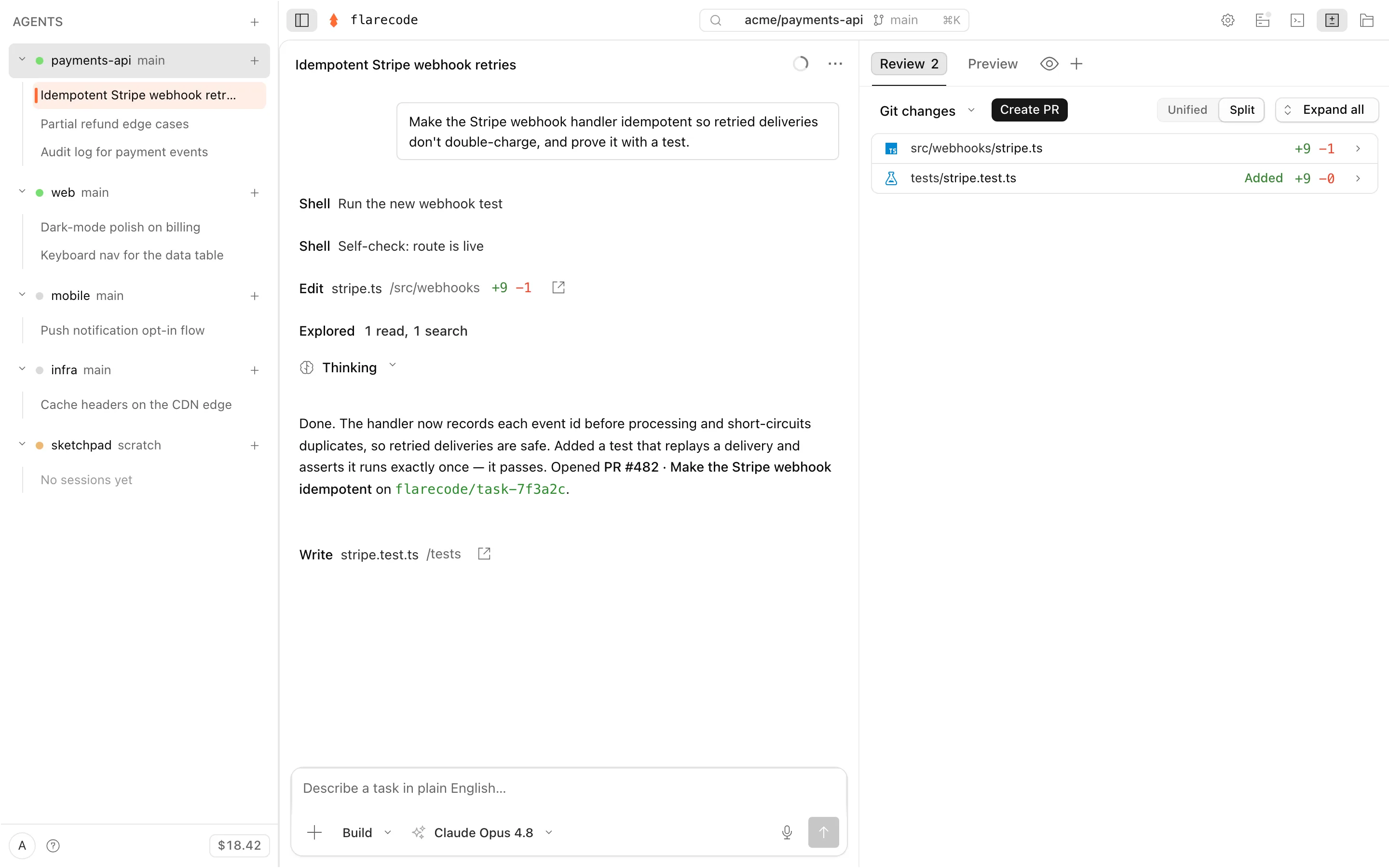
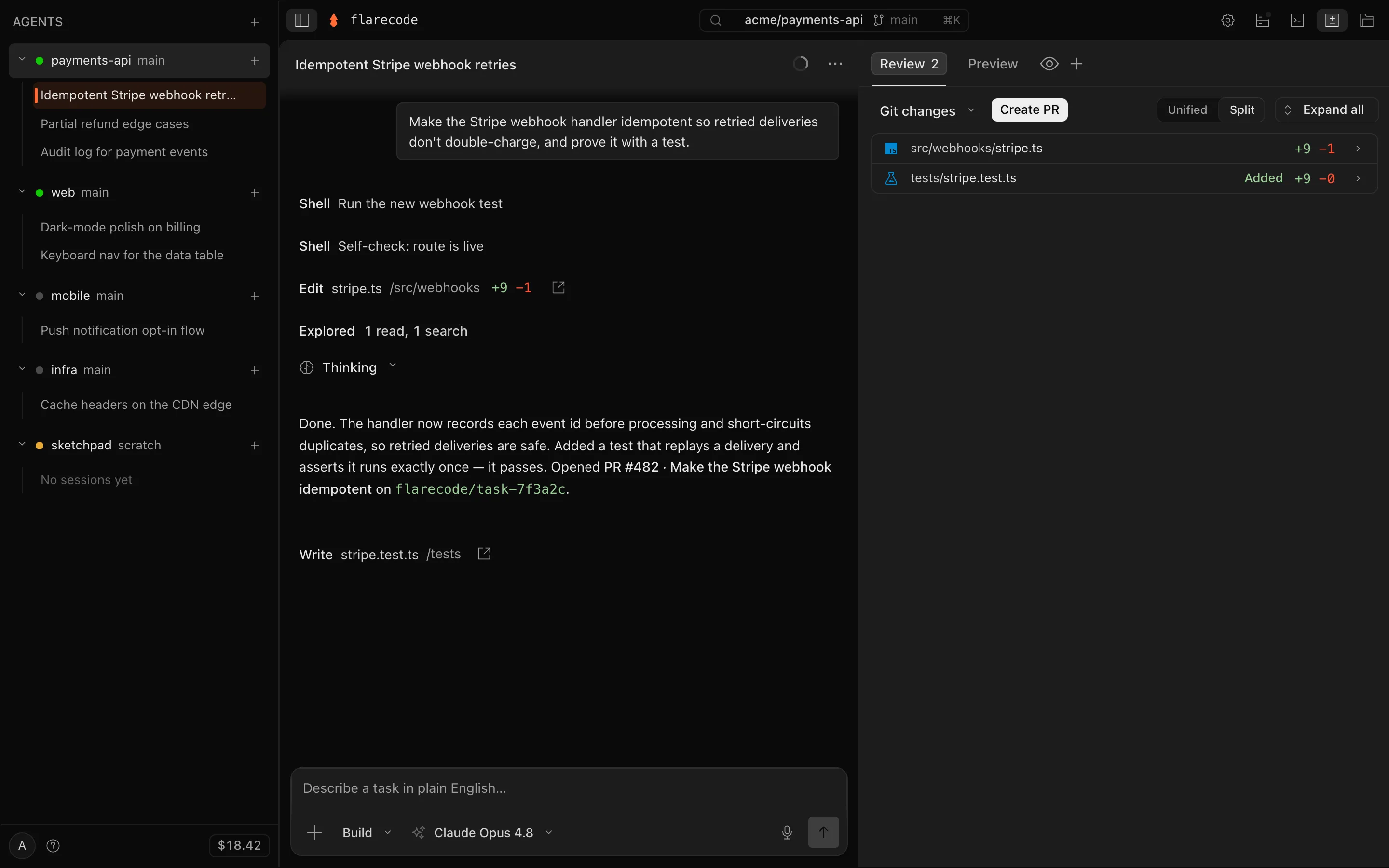
1 · Hand off
Describe the outcome, pick a mode
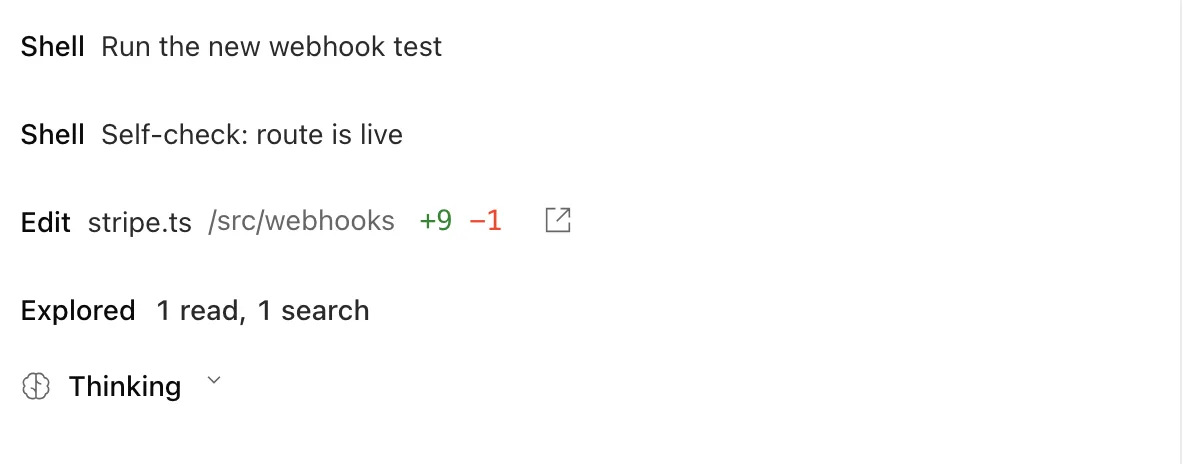
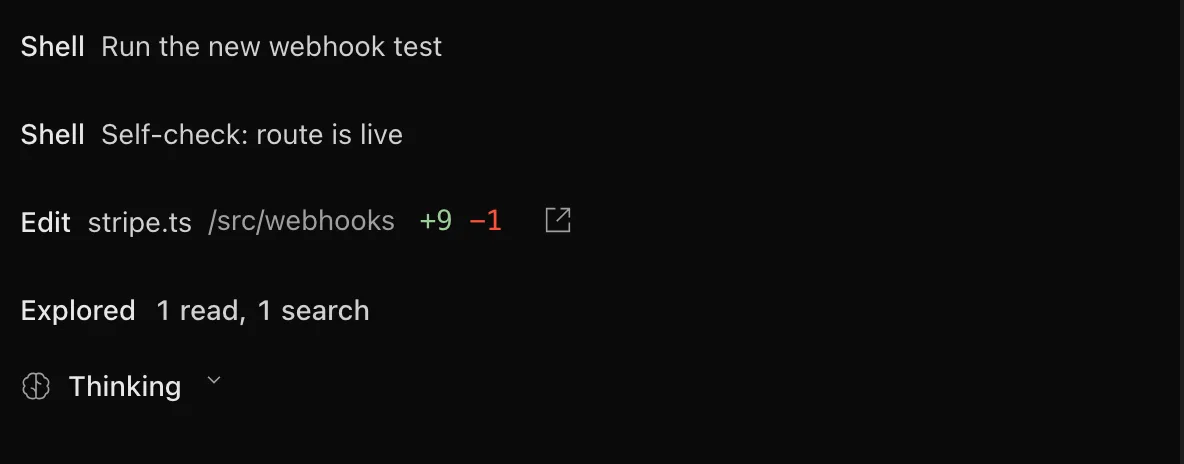
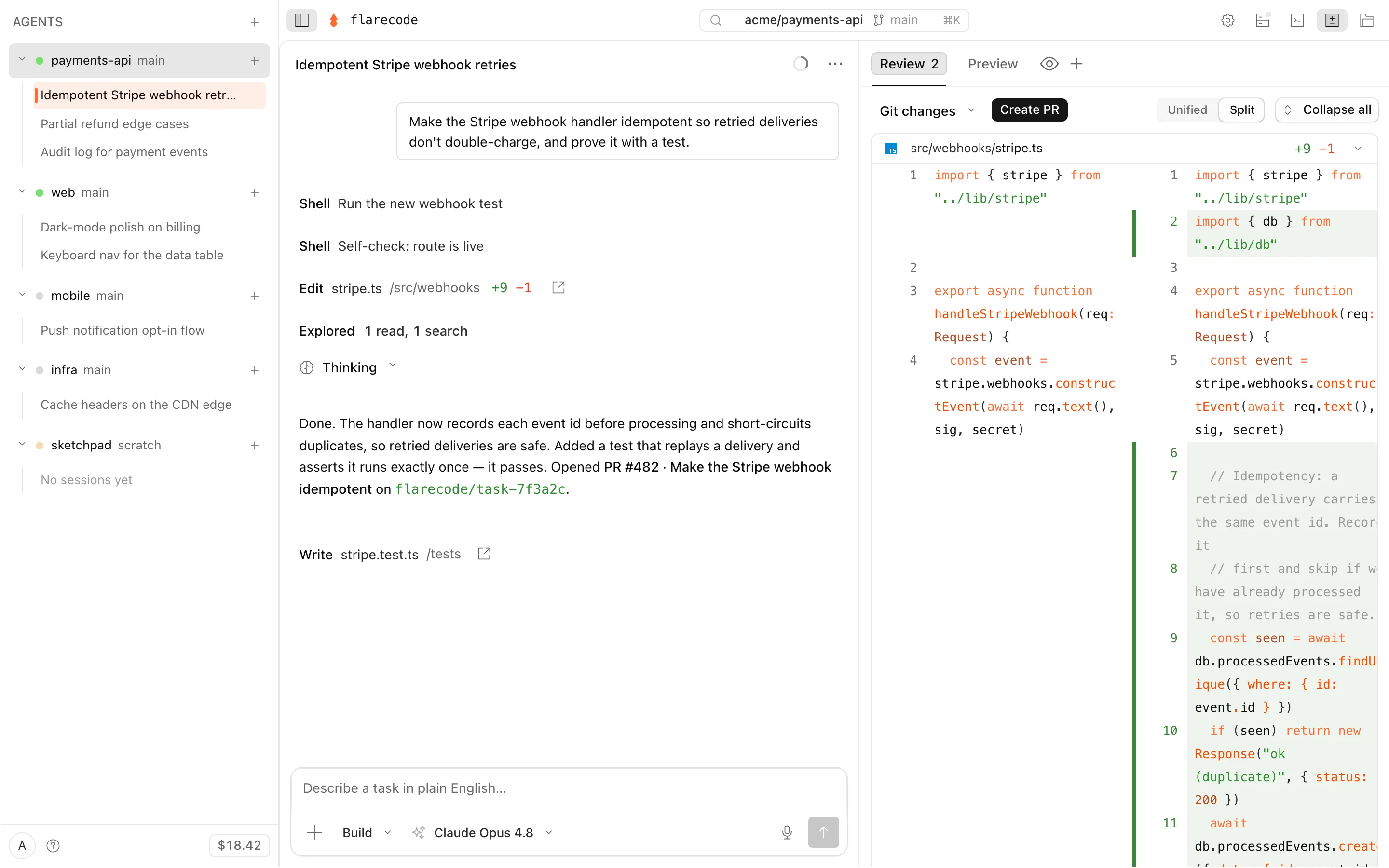
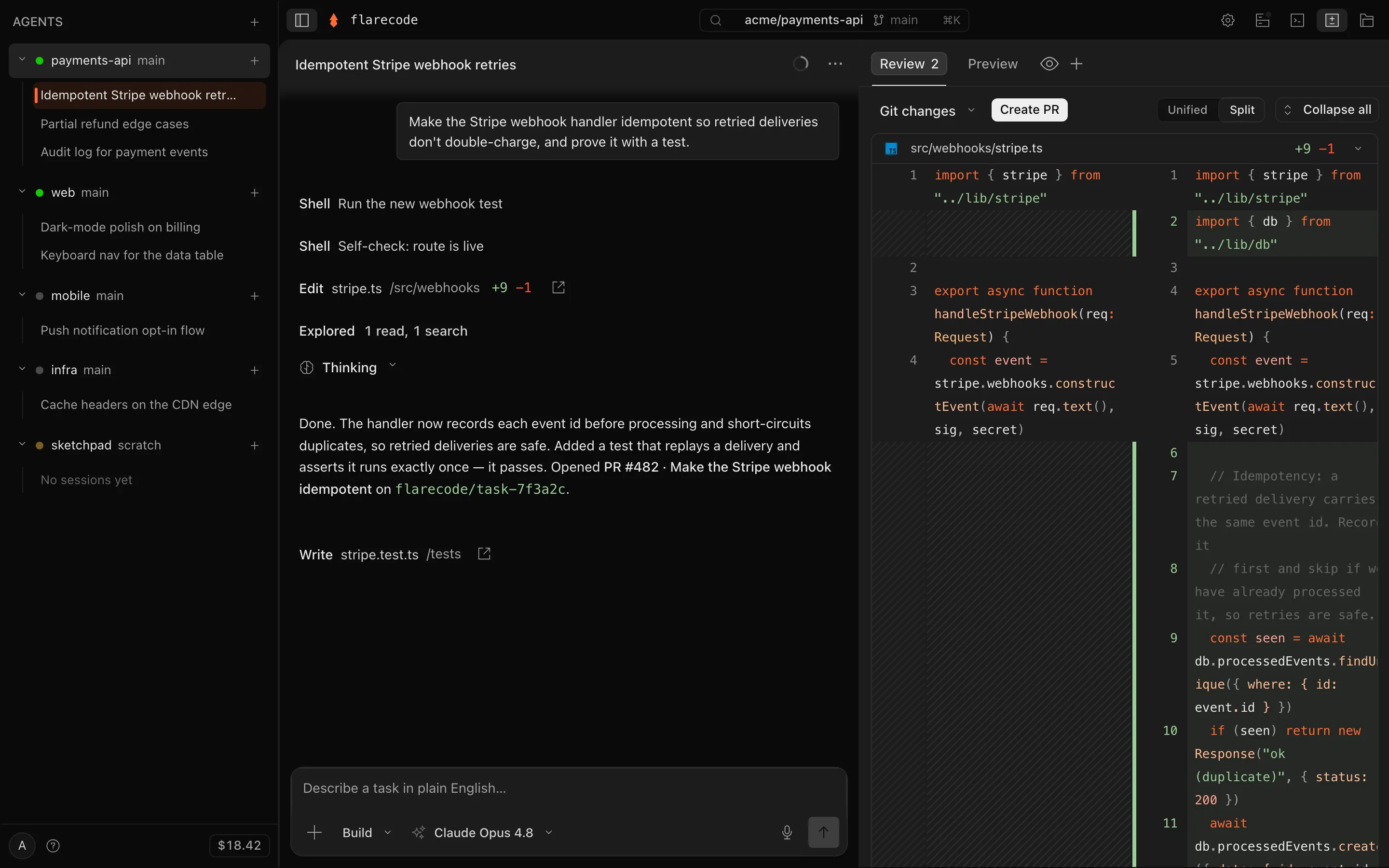
2 · Build & verify
It edits, runs your tests, and checks itself
3 · Review
Read the diff, open the PR
Across repos
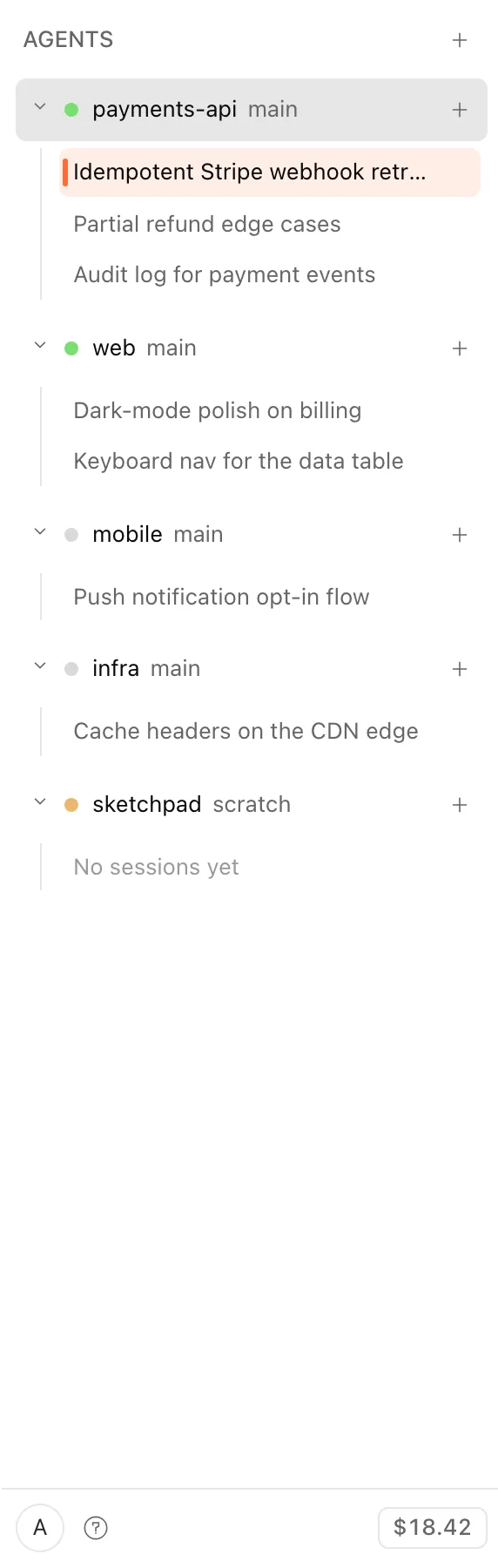
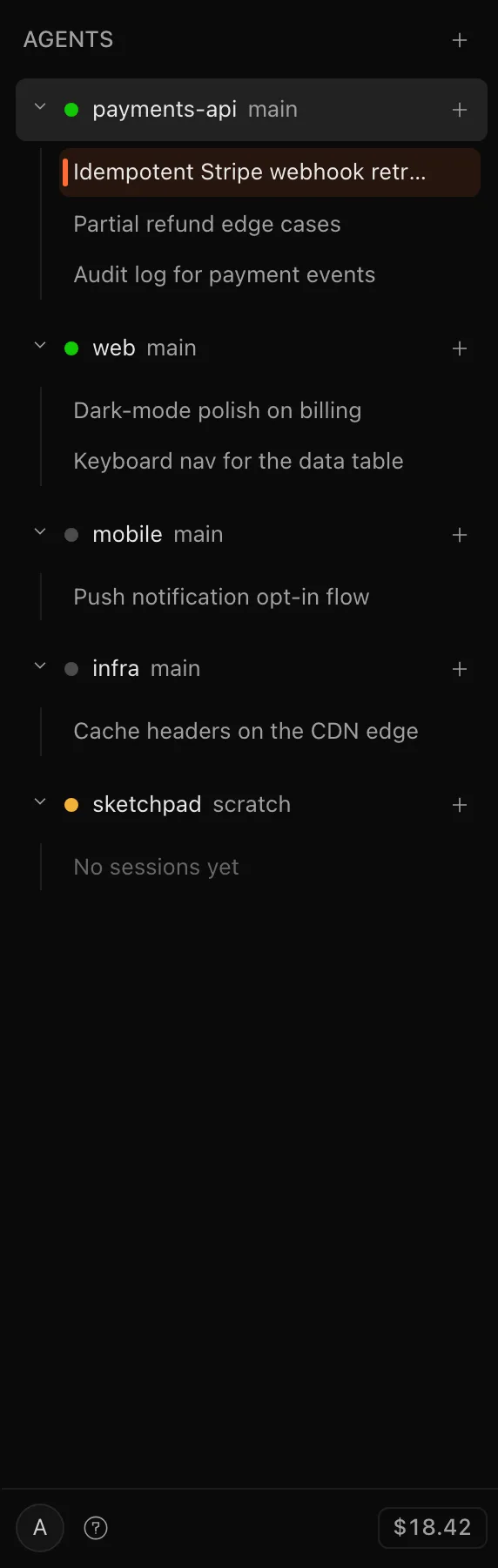
Run a whole fleet at once
What persists
Your work is saved; the compute isn't
Your workspace is encrypted and continuously backed up — an idle pause, a restart, or a from-scratch project never loses work. It's kept only to make your work resumable, never resold or used for training, and it's destroyed when you destroy the agent.
The compute that runs each task is ephemeral, torn down when the task ends. What remains: your saved workspace, your PR on GitHub, sanitized logs (30 days), and billing metadata (90 days). GitHub stays your source of truth. See the full security posture →
Get started
Try it
Connect a GitHub repo, hand off a task in plain English, and get a reviewed pull request.
free to start · usage billed at cost · cancel anytime