Product
Watch the agent ship — from your phone or your desk
One workspace for your whole fleet — the build loop, diff review and PRs, the file tree, and your own models. Here's every surface.
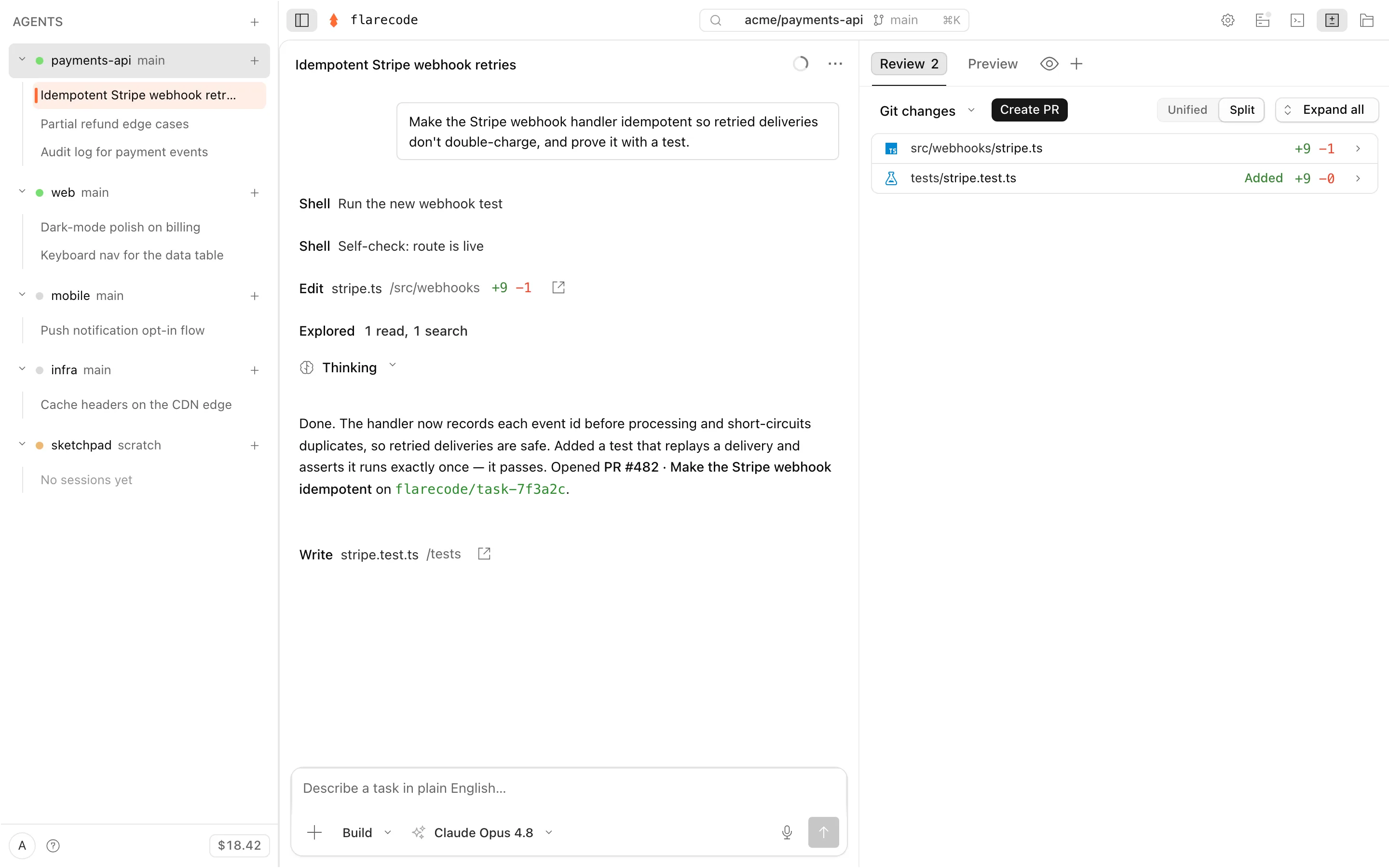
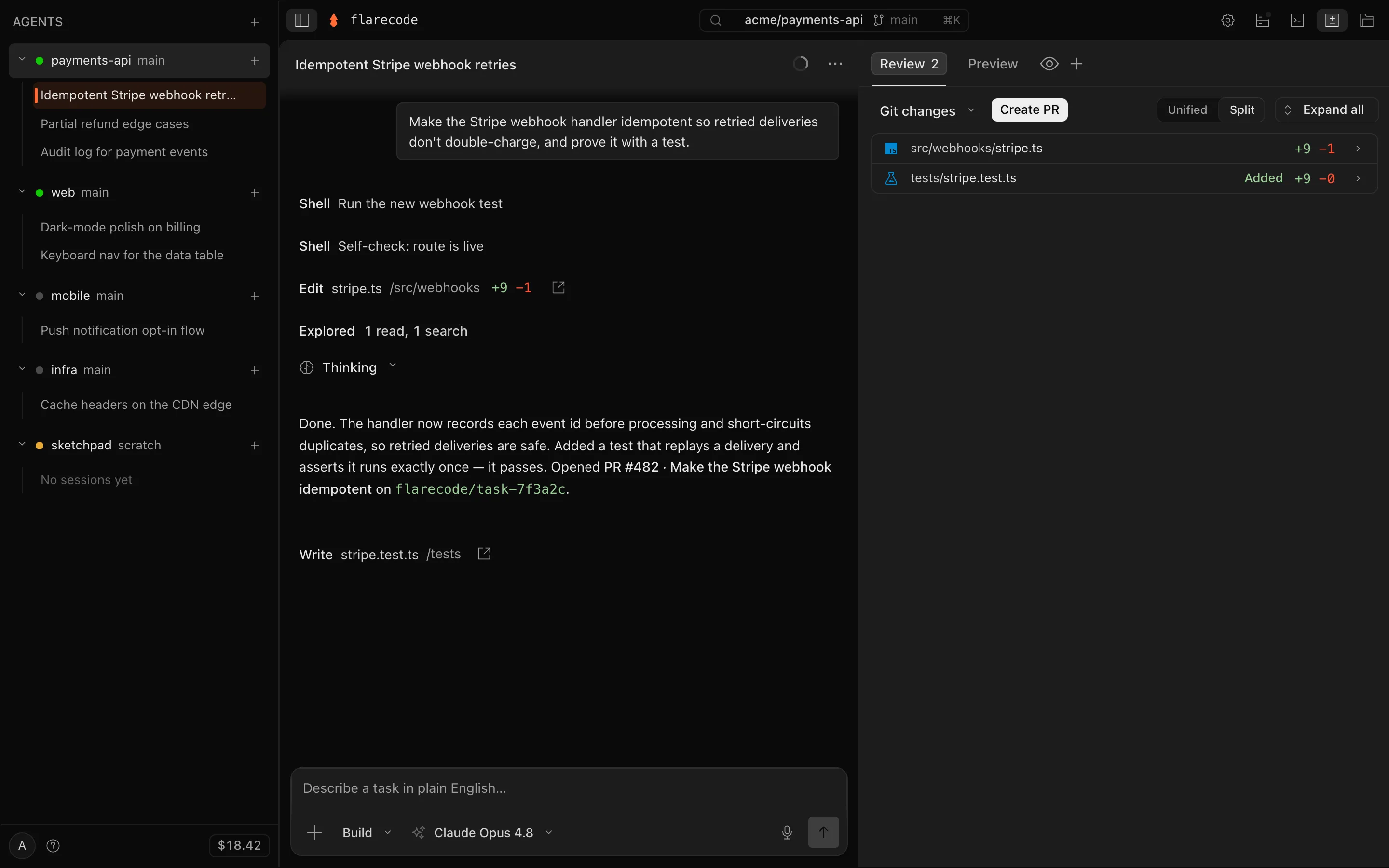
- 1Your whole fleet, one rail
- 2Hand off a task in plain English
- 3It edits, tests, and self-verifies
- 4Review the diff, open the PR
- A human approves every PR — nothing merges without you.
- Inference billed at provider cost — never marked up.
- Never pushed to your default branch.
The build loop
It plans, codes, and proves the work
Plan · Build · Auto
It checks its own work, in plain sight
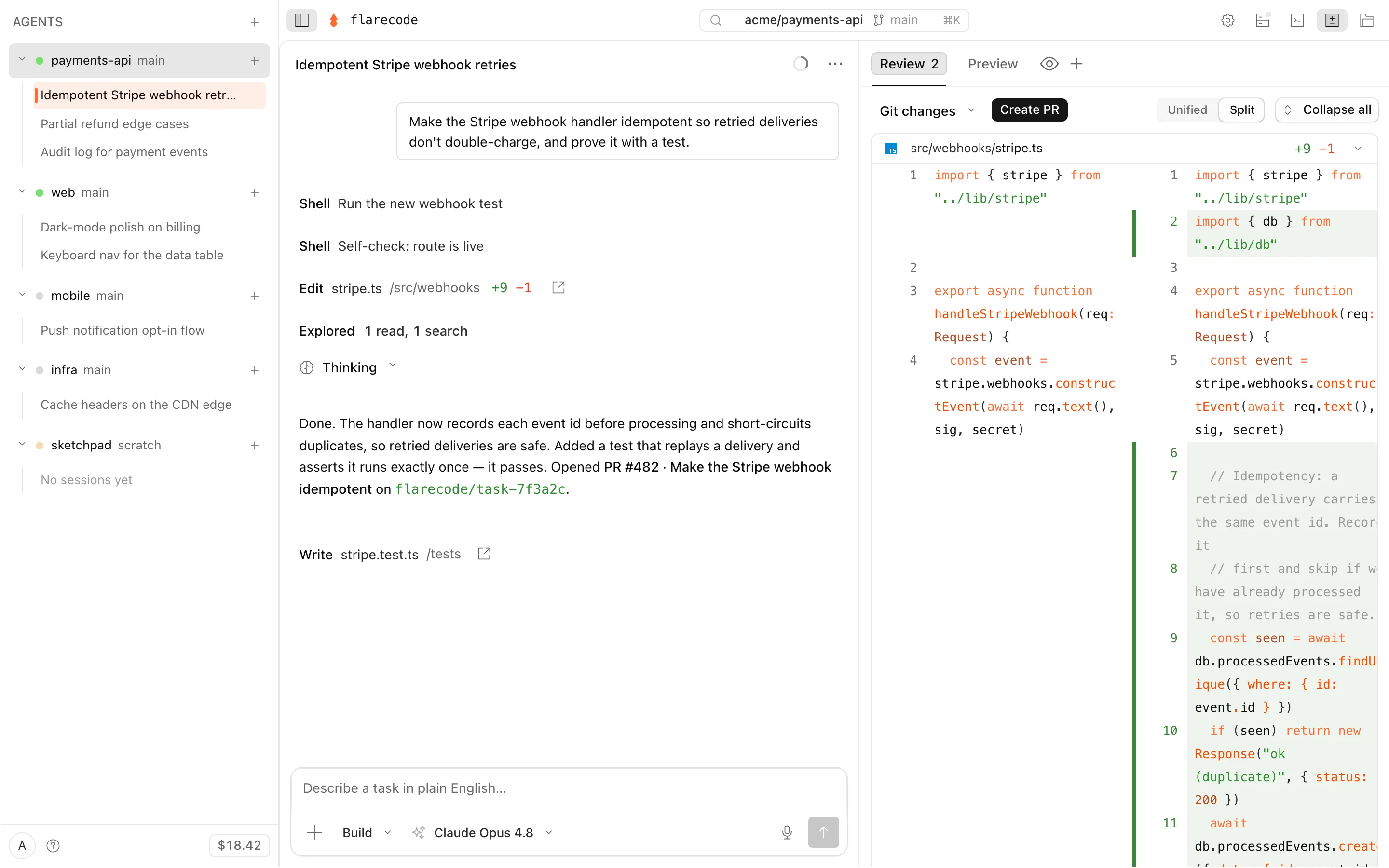
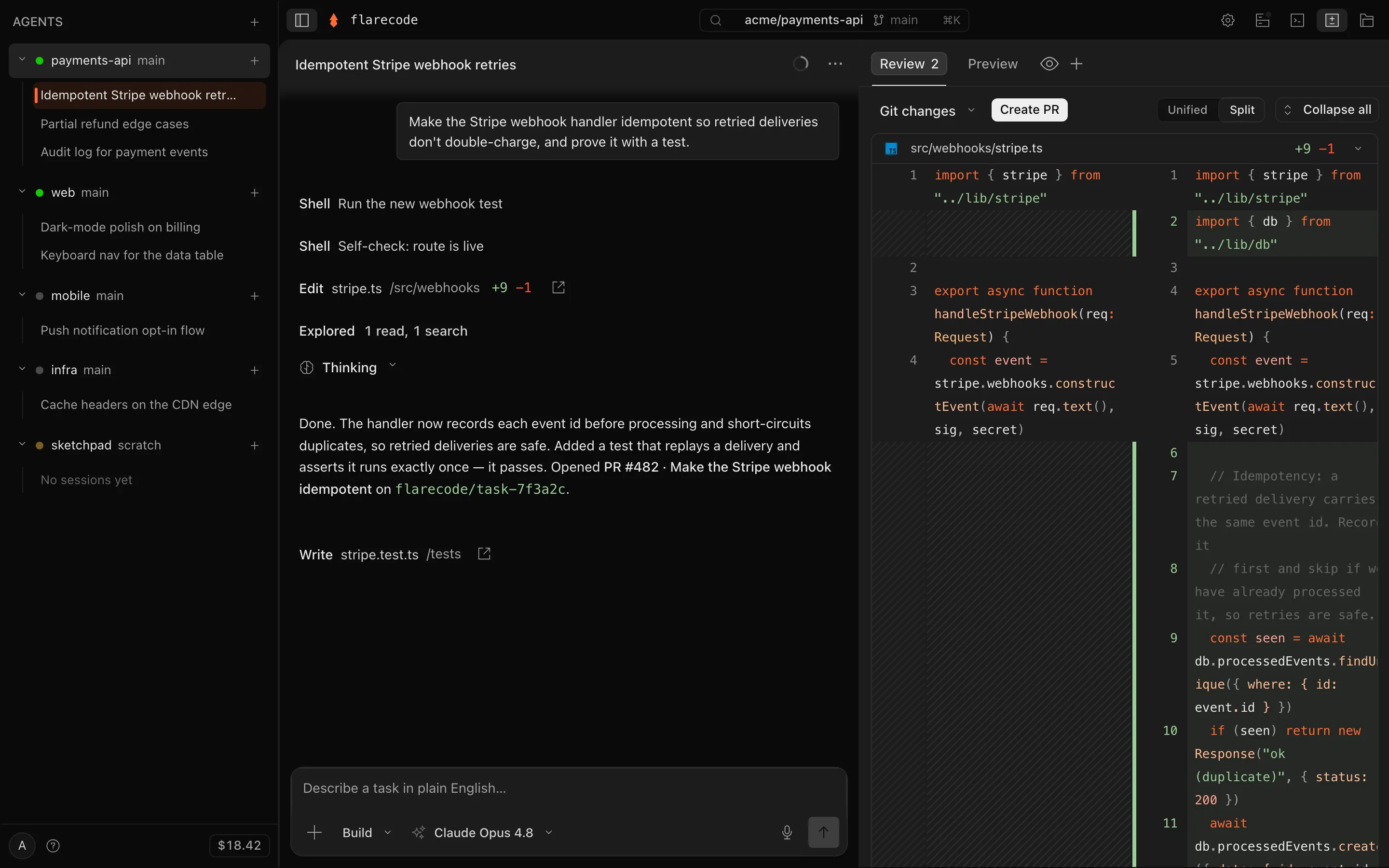
Review
Review the diff, open the PR
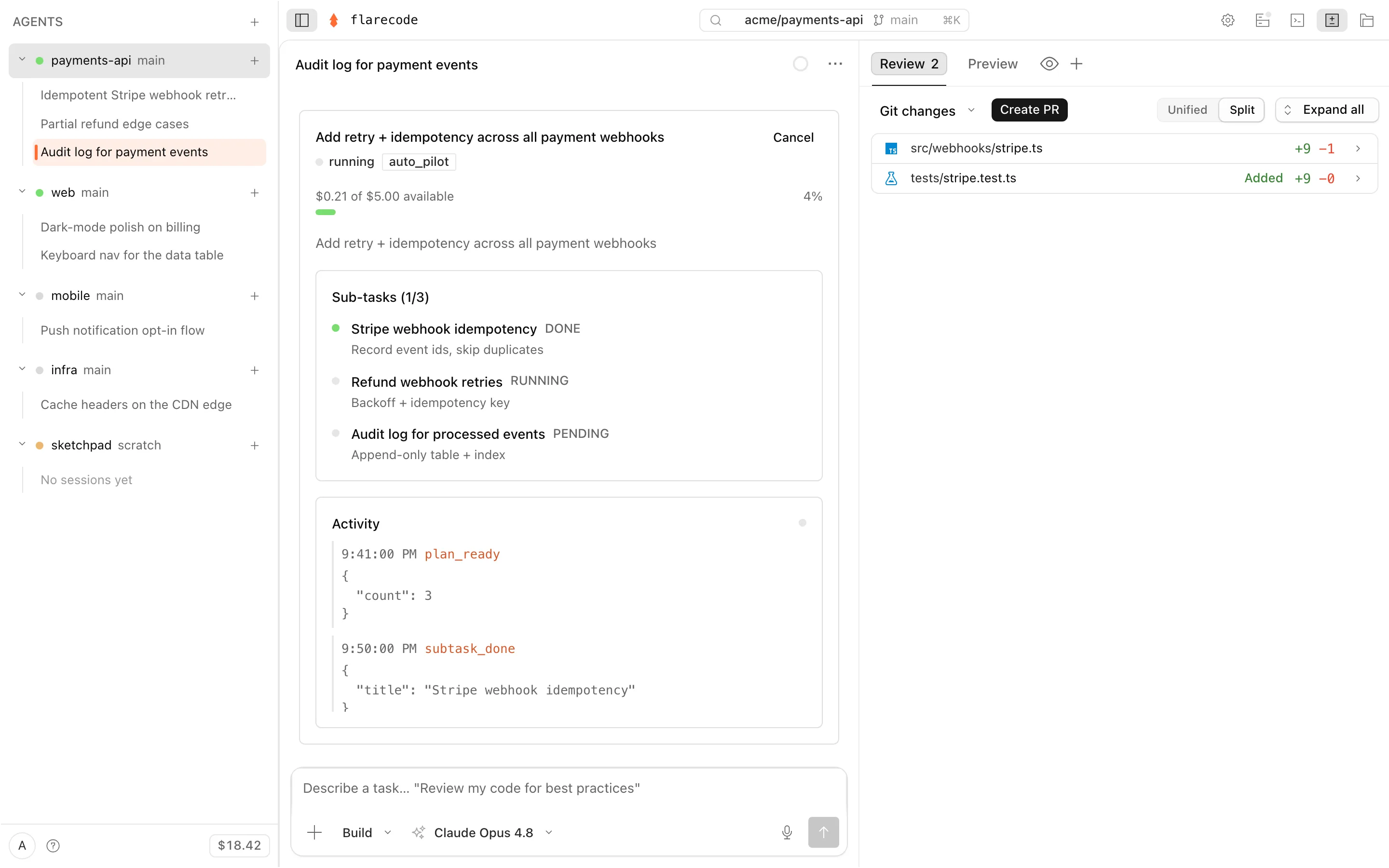
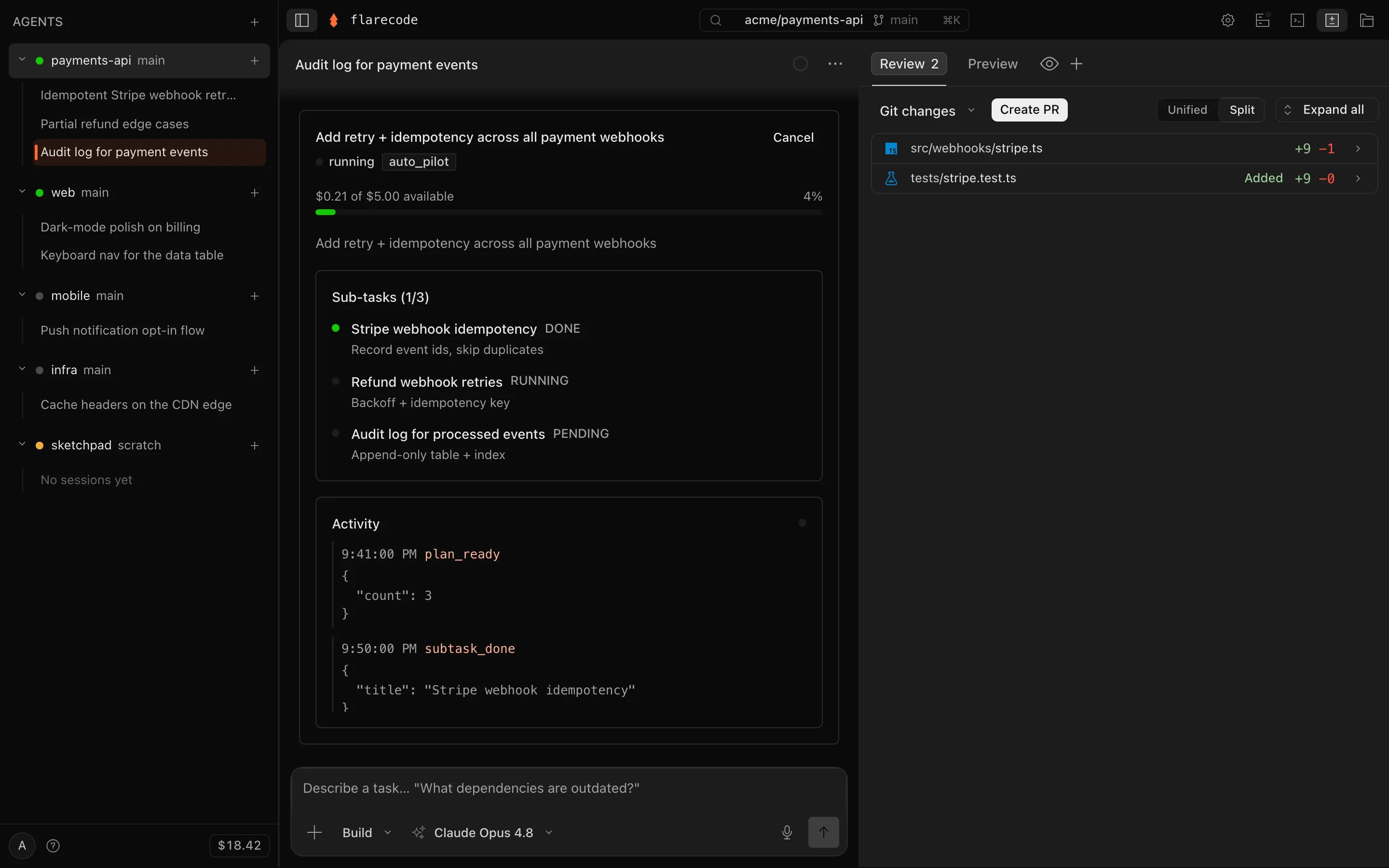
Auto-pilot
Hand off a goal, not just a task
Loops & guardrails
Hand off an ongoing outcome — and set the rules
Type /loopand the agent works a standing objective instead of a single task — re-spawning a goal each iteration, on a schedule or self-paced until it's provably done, opening a PR every time. Watch it live, pause or stop it, and cap how far it can go (the default is editable in Settings) so an unattended fleet never runs away. A loop can also be stood up automatically from a trigger.
And with hooksyou bring your own guardrails, enforced server-side where an agent can't bypass them: block secrets or denied hosts, gate which models and MCP servers it may call, or get a webhook when a goal lands. Loops · Hooks.
The workspace
Everything you'd want in a workspace
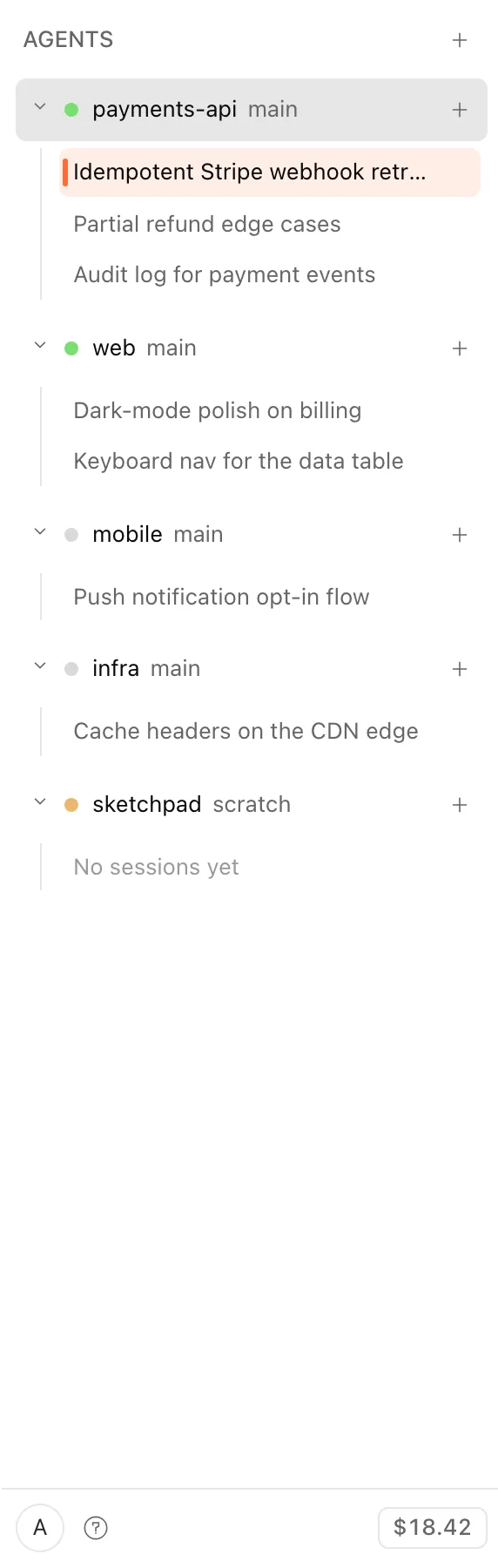
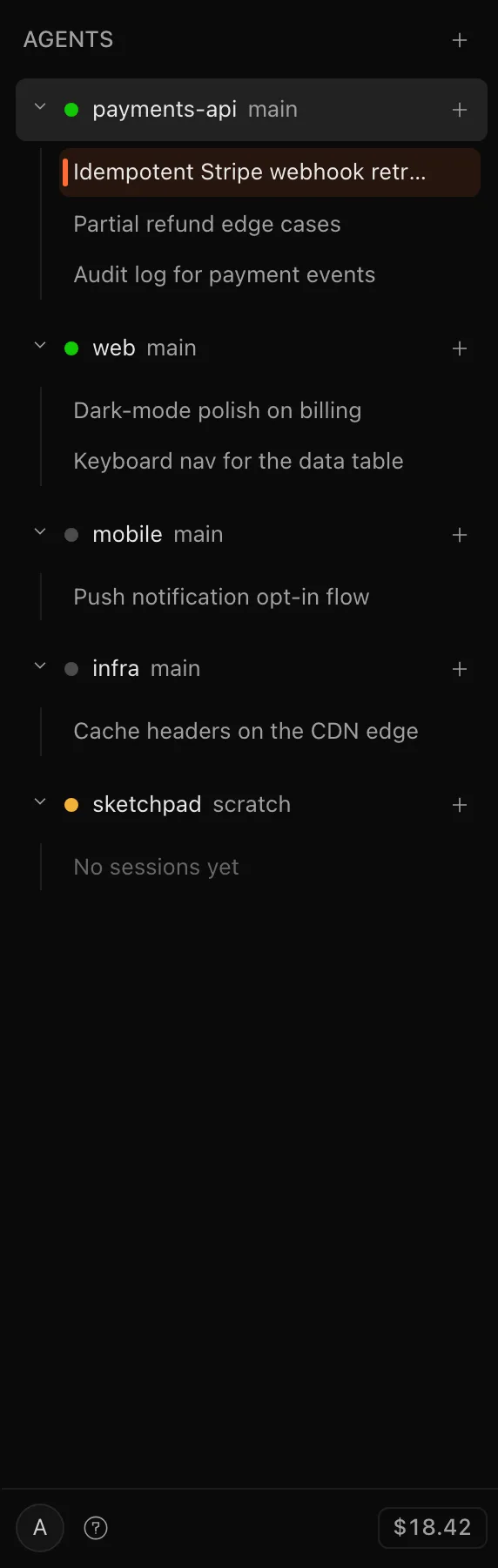
Fleet
Your whole fleet, one place
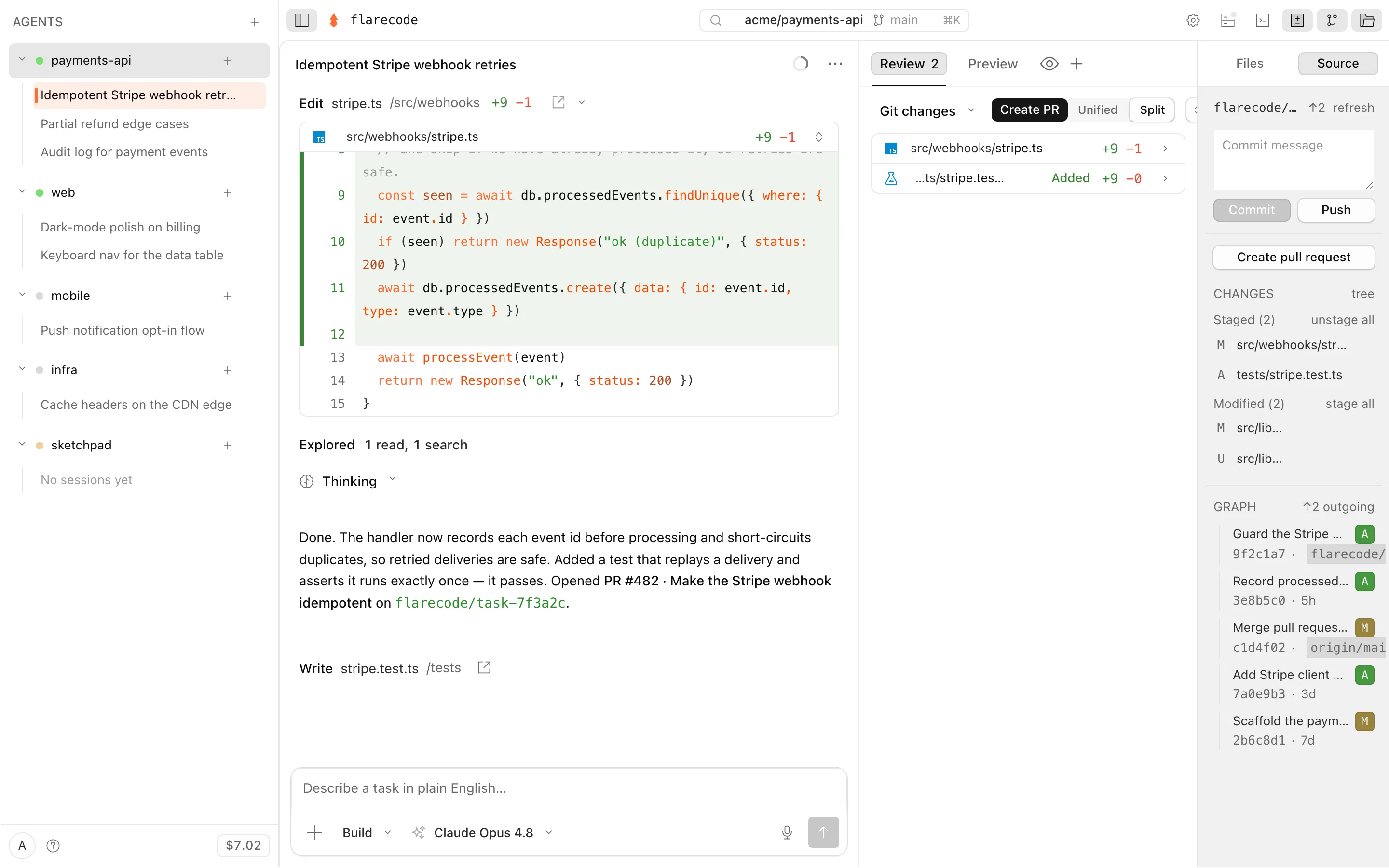
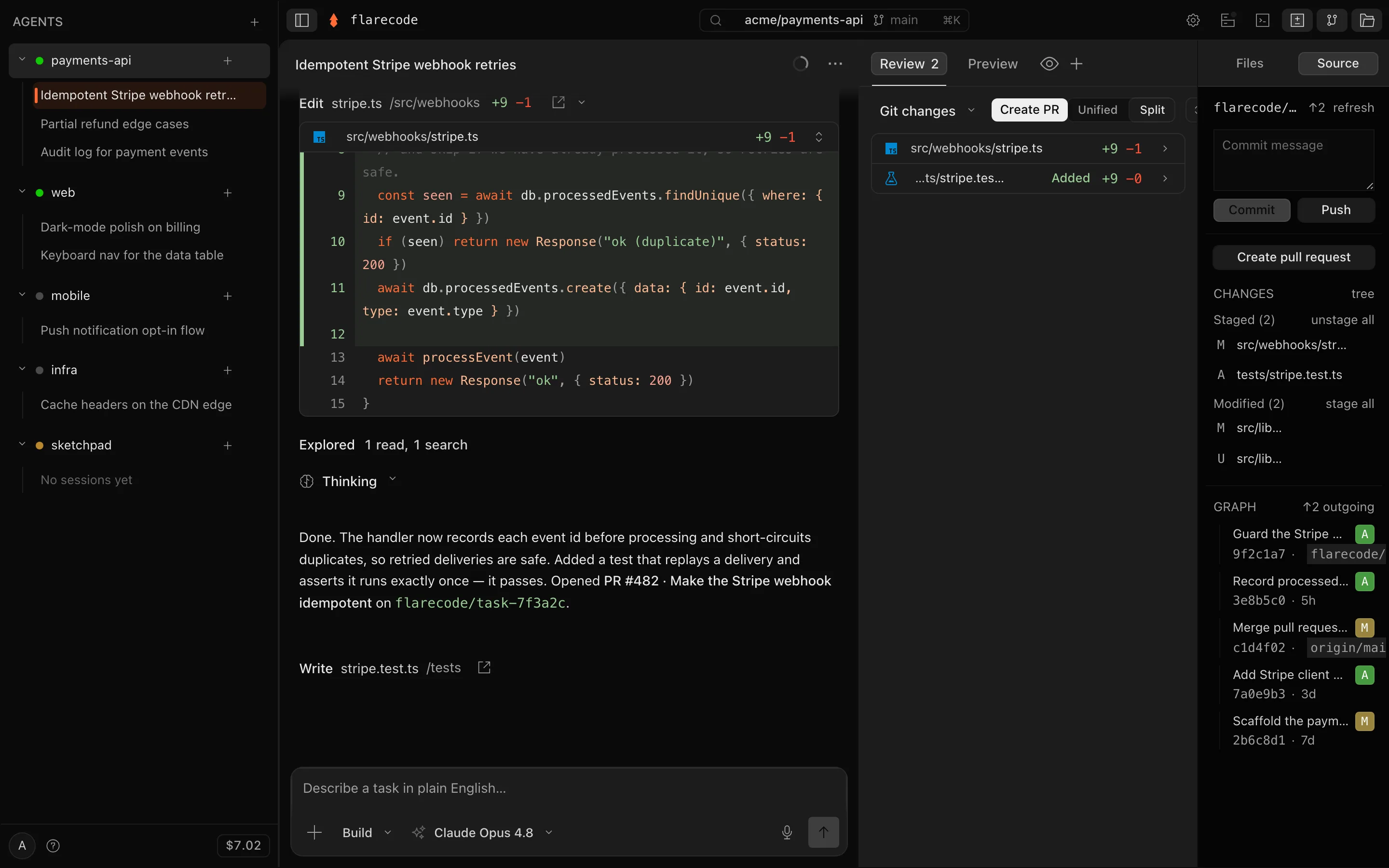
Editor & source control
Take the wheel when you want to
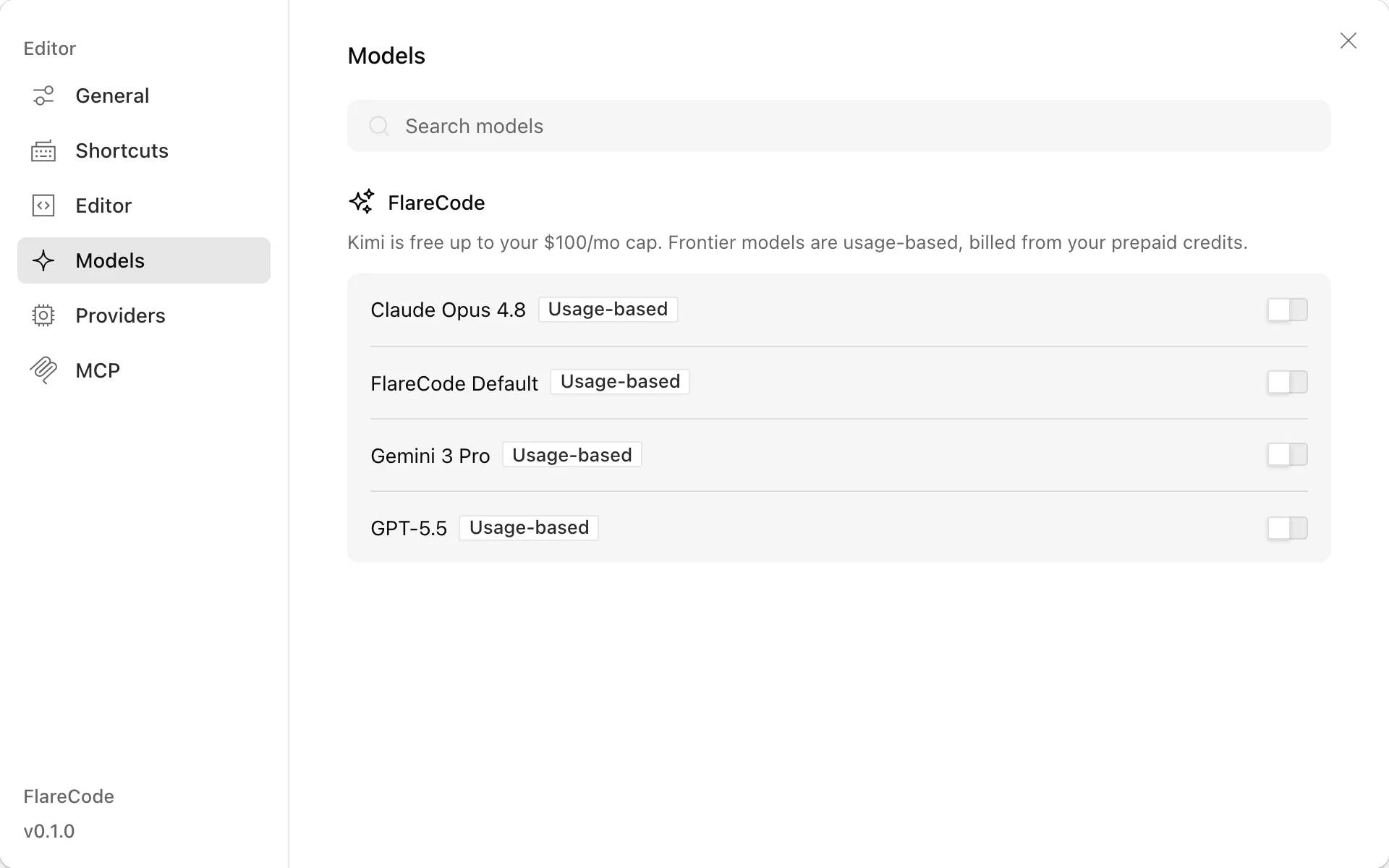
Models
Bring your own models, or use ours
Get started
See it on your own repos
Connect a GitHub repo, hand off a task in plain English, and get a reviewed pull request.
free to start · usage billed at cost · cancel anytime